Upchain is cloud-based product data management (PDM) and product lifecycle management (PLM) software that manages CAD design data, revisions and change processes for engineers, manufacturers and suppliers. Autodesk bought it in 2021 and now includes it with a subscription to Autodesk Fusion Manage, its cloud PLM, so this review covers both names.
Here we discuss whether Upchain is more affordable and usable than other solutions. And how it’s focusing on making life cycle management simple for smaller companies. Finally, we will focus on what the product can and cannot do so that you can make a better decision.
What is Upchain?
It is cloud-based product lifecycle management and product data management software. Autodesk announced on 15 April 2021 that it had agreed to acquire Upchain, which it described as working across the product value chain “regardless of CAD system”, and completed the purchase on 12 May 2021.
Autodesk sold it as Fusion 360 Manage with Upchain. On 26 March 2024 it renamed the offer Autodesk Fusion Manage, its cloud PLM, and said Upchain stays included with Fusion Manage as a cloud-based data management tool. Fusion Manage is a separate product from Autodesk Fusion, which Autodesk calls its industry cloud for manufacturing; the design tool appears in our list of 3D design software.
Upchain’s own website, upchain.com, no longer loads (checked 11 October 2026); current plans and prices are on Autodesk’s store, summarised under Pricing below.
You can manage your people and data in a single system. Link all of their tools to get products from design through production faster than ever!
How does Autodesk Upchain work?
- Better collaboration for better production; collaboration between different teams, customers, and suppliers.
- Speed production to meet deadlines.
- Use data from all sources to get a complete picture. Then, integrate your processes so you can use the data more effectively.
- Give anyone access to the data they need. Let stakeholders input and gather feedback, even if you don’t have a CAD license!
- Flexibility to implementation and simplicity in modular processes.
- Brings all product data together, i.e., integrates with multi-CAD and open API.
- Easy accessibility anytime, anywhere; You can use a mobile device to review design, BOM, change in orders, and change in life cycle status.
Pricing
Autodesk now sells Upchain as Autodesk Fusion Manage; the plan on Autodesk’s store is named “Fusion 360 Manage with Upchain Standard”. Three plans are listed (checked 9 October 2026):
- Fusion Manage: $1,115 per user per year ($93 a month, paid annually) on Autodesk’s US store.
- Fusion Manage Enterprise: adds a sandbox for testing, external stakeholder collaboration and more cloud storage; priced by Autodesk sales.
- Fusion Contributor: for people who view PLM data, take part in workflows and create reports without authoring access.
Vault PLM bundles Fusion Manage with Vault Professional.
Features
Multi-CAD management
This software will help you work together on designs, even if we use different types of CAD software.
Open API
Use Autodesk PLM to connect with other enterprise systems like ERP and CRM. This will help you get more value from your data.
Centralized data process
Activities that take up much time, like data entry, emails, meetings, and looking for information, can be minimized.
BOM
Keep track of and share BOMs so everyone working on the project has the most current information.
Product portfolio management
Create a product portfolio that is competitive by tracking changes and development to products.
Quality Management
You can use workflows to ensure the work is good, track and record changes, and analyze how well the work is going.
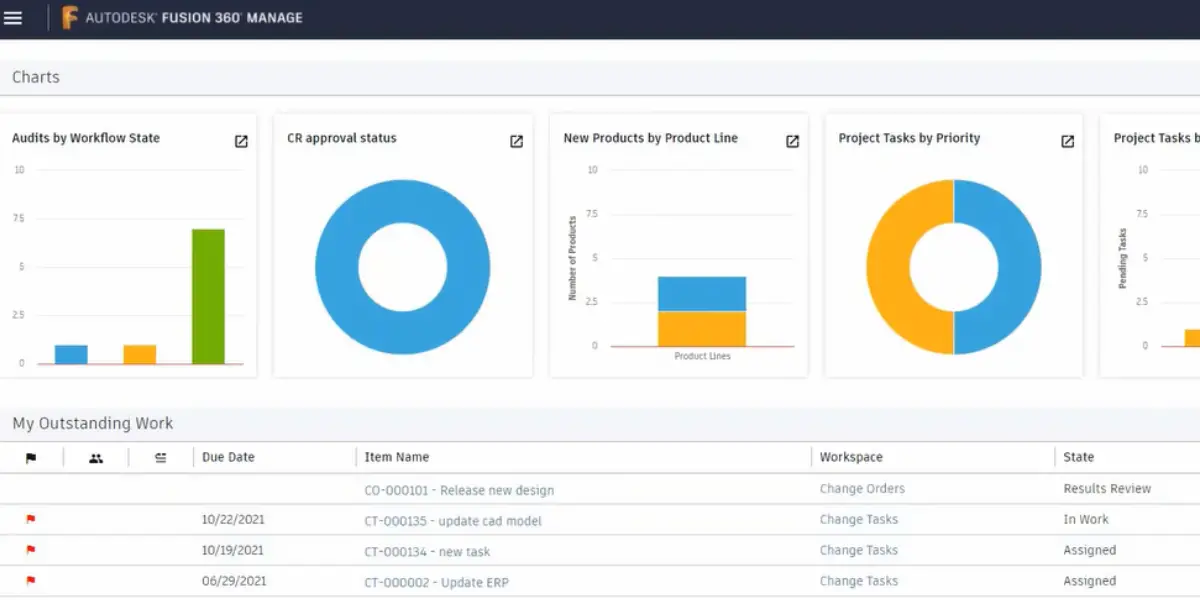
Dashboards and KPIs
Graphically rich and easy-to-view reports provide metrics, and trends & more so that teams can make informed decisions about the future course of action.
Change management
Make sure you understand what is needed for you to submit, track, and approve change requests and change orders.
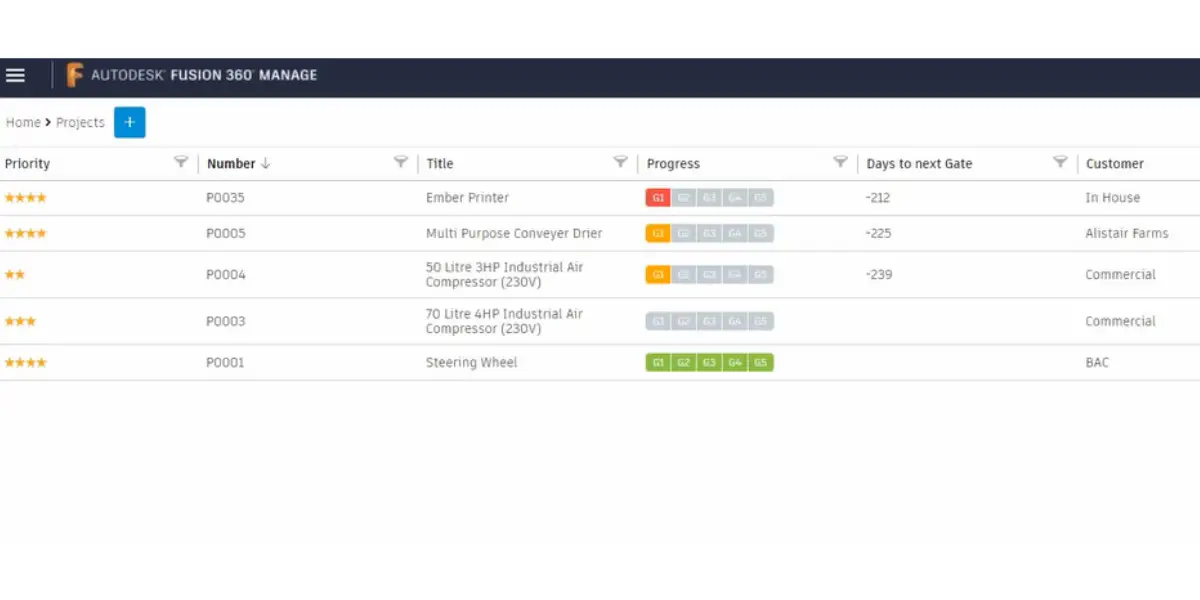
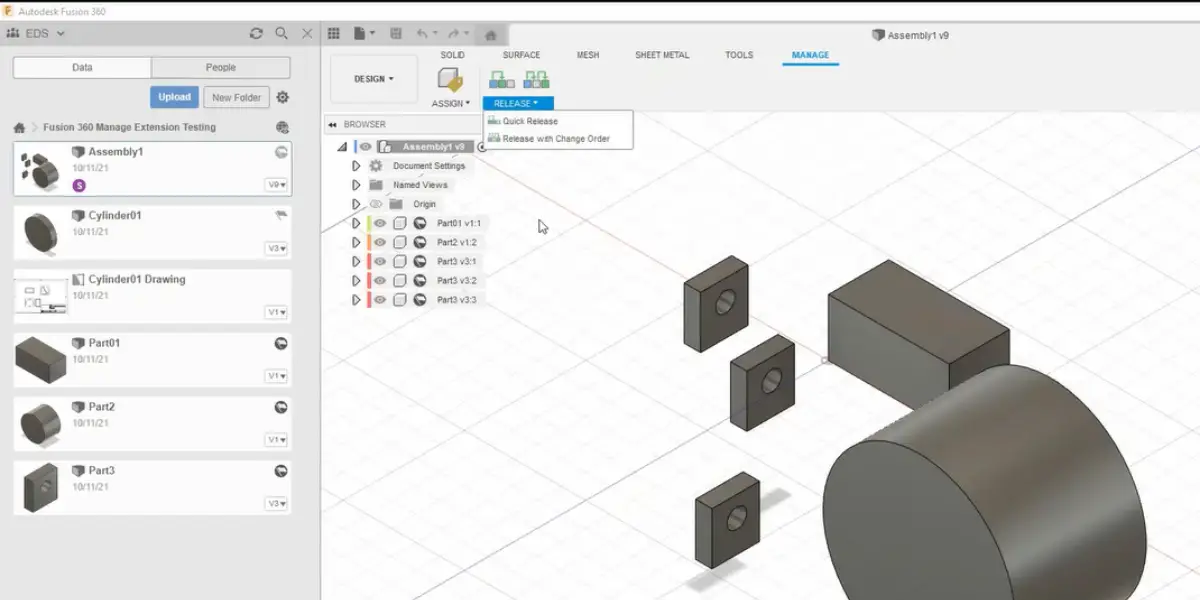
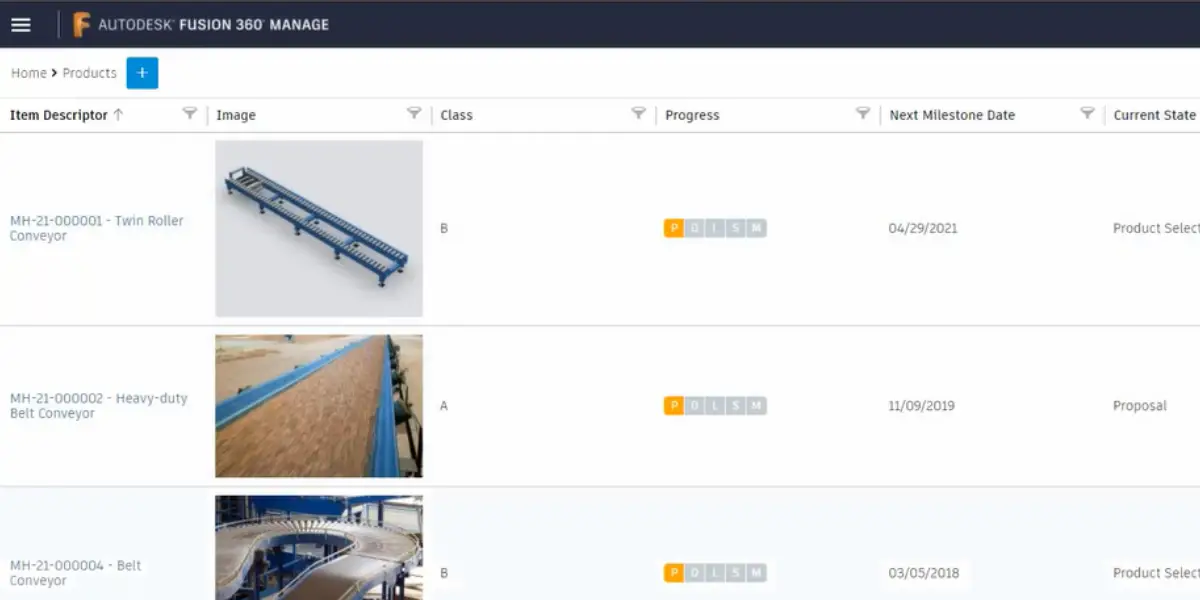
Some Screenshots of Autodesk Upchain
Advantages
- Available at a reasonable cost, no fee for CAD storage, and significant setup
- Easy to use and self-explanatory interface
Disadvantages
- Less BOM functions
- The demo can be concentrated more on product explanation; it takes time to understand
- Steep learning is needed to use the product
- Third-party control may be tricky
- No plugin for Adobe suit
- Backend coding is Niche and needs proper training before working on code
Alternatives
- Autodesk Vault
- Solidworks PDM
- Siemens Teamcenter
- OpenBOM
- Delogue
- Aras PLM
- Kinetic
- Synergis Adept
FAQs
What is Fusion Manage with Upchain, and who uses it?
Fusion Manage is Autodesk’s cloud-based product lifecycle management (PLM) software. It was sold as Fusion 360 Manage with Upchain until Autodesk renamed it on 26 March 2024. Autodesk aims it at everyone involved in product development, inside the company and among its extended stakeholders. Upchain is included with a Fusion Manage subscription as a cloud data management tool that works with a variety of CAD systems. It is not the same product as Autodesk Fusion, which Autodesk calls its industry cloud for manufacturing.
What other applications does Upchain PLM integrate with?
Autodesk documents an open API that connects Fusion Manage with other systems such as PDM, ERP and CRM software, and says Upchain integrates with a variety of CAD systems to manage design data, revisions and change processes. For Inventor and AutoCAD data, Autodesk pairs Fusion Manage with Vault, which it sells with Fusion Manage as a bundle subscription.
Should you choose Upchain?
Autodesk now includes Upchain with a Fusion Manage subscription, so the price to compare is Fusion Manage’s (plans and the US price are under Pricing above). If most of your designs live in Inventor or AutoCAD, price Autodesk’s Vault and Fusion Manage bundle as well, since Autodesk pairs Vault with those tools. Check the plan names and prices on Autodesk’s store before you budget: Autodesk has renamed this product twice since it bought Upchain in 2021, and older guides still use the old names.
How we checked (11 October 2026): Autodesk’s 2021 announcements of the Upchain acquisition, its 15 April 2024 post on the rename to Fusion Manage, and its Fusion Manage product page. An earlier version of this page listed Outlook, PowerPoint, Jira, Word, Excel, Salesforce and EnterpriseOne connectors; we could not find them in Autodesk’s current documentation and upchain.com no longer loads, so the list was replaced with what Autodesk documents.
Using Google Search? Add erp-information.com as a preferred source.